
From screening workflows
to hospital-wide AI.

Start with one workflow, connect departments, and build an AI foundation around your hospital. Ontol grows from understanding test results and preparing reports to connecting patient guidance, follow-up, data, and daily operations.

30+Hospitals using Ontol

Less repetitive work.
More focus on patients.

From test analysis and report drafting to communicating results and follow-up, Ontol connects repetitive tasks to ease the workload for clinical and operations teams and support continued patient guidance.

Start with the capabilities you need, using existing systems and workflows. Expand step by step with clinician review at the center, following an adoption path that fits your hospital.

Screening centers

Automate repetitive screening
work with Ontol.

From test analysis and report drafting to communicating results and follow-up. Connect AI to each stage to reduce repetitive work for clinical and operations teams, and help patients understand their results and continue their care.

AI test analysis

AI brings individual test results into context.

AI brings together values and findings across individual tests. It organizes test names, units, reference ranges, and dates, then summarizes the information that needs attention so clinicians can review the screening in context.

When previous screening records are available, changes over time are organized alongside current results. Clinicians can compare the summary with source records and use it to prepare reports and consultations.

  • Bring fragmented results into context
  • Review source records and changes over time
View solution details

Ontol Scribe

AI prepares the first draft for your clinical team.

AI prepares a draft clinical report using the organized results. It helps write recurring summaries and guidance, with workflows designed around your center’s reporting format and terminology.

Clinicians review the draft alongside its source results, make changes, and approve the final report. The workflow reduces repetitive writing and supports attention to each patient’s clinical context.

  • Drafts shaped around your center
  • Clinician review and final approval
View solution details

Ontol Report

AI turns results into an accessible mobile report.

AI organizes complex results and medical terminology into accessible explanations. Patients can review key findings and clinician-approved reports on mobile, and understand which topics need further attention.

Source results, AI explanations, and clinician recommendations are clearly distinguished. Guidance and questions for follow-up help patients understand their information and prepare for their next consultation.

  • Clear explanations of medical terminology
  • Mobile access to results and next steps
View solution details

Ontol CRM

AI supports the next visit.

AI organizes follow-up groups and tasks so guidance continues after screening. Using clinician-defined follow-up criteria and screening schedules, it helps identify patients who need reminders and connects them with the responsible team.

Reminder timing, messaging, and delivery are designed around your operations and communication consent. Staff can review communication history and follow-up status to maintain continuity in screening and consultation.

  • Organize screening schedules and follow-up groups
  • Connect communication history and follow-up tasks

Beta launching in November

Hospitals

Beyond one workflow.
Connect the whole hospital.

Extend AI from screening into clinical care, administration, and collaboration. Design hospital-wide flows so patient records reach the next team with the right context, and reviewed results lead to guidance and follow-up.

Connected clinical records

Connect screening results, outpatient records, tests, and prescriptions around each patient and encounter. Help clinicians review previous findings and the current context without repeatedly searching across systems.

Workflows across departments

Organize information and handoffs between screening centers, clinical departments, laboratories, and administration. Define who reviews each item and owns the next step, following your hospital’s procedures.

Patient guidance and continued care

Turn clinician-approved findings and recommendations into clear patient guidance. When another consultation or test is needed, organize the next steps according to hospital criteria and keep the responsible team informed.

AI infrastructure

Connected workflows.
Your hospital’s AI foundation.

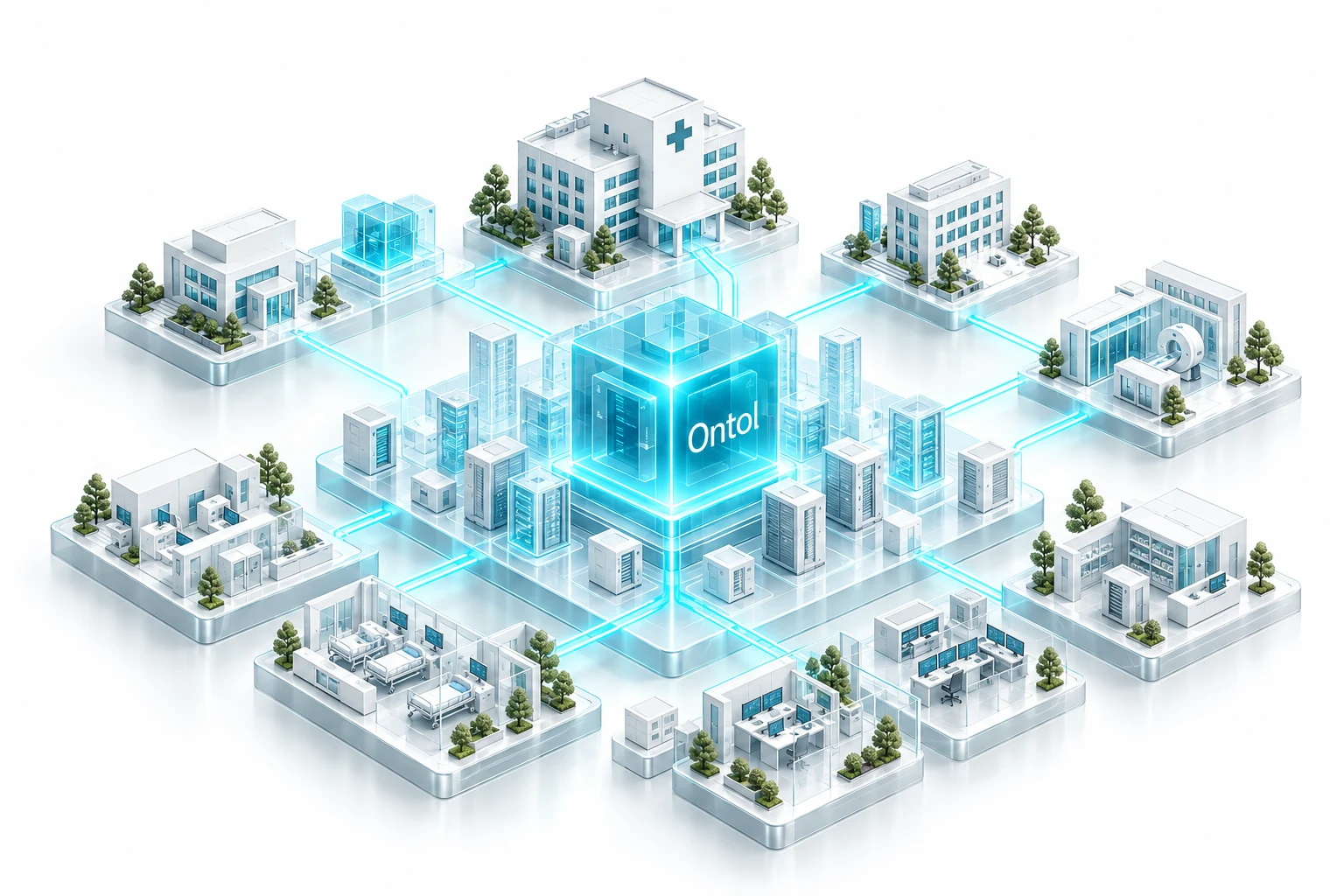
Go beyond a single product and build a foundation for continued AI adoption. Design system connections, clinical data relationships, and clinician review and approval together, creating AI workflows that fit everyday hospital operations.

Hospital systems and data connected around the Ontol AI core

System integration

EMR · OCS · LIS · Integration APIs

Review your hospital’s systems and data formats to design the connections it needs. Gather test results and clinical records within existing workflows, then route reviewed information to the next system or team.

Clinical data structuring

Clinical context · Ontology · Record relationships

Structure test names, units, dates, and sources consistently. An ontology connects hospital terminology with relationships between patients, encounters, and tests, giving AI the context it needs to work with clinical information.

AI workflow execution

Workflow rules · Review and approval · Access control

Define what AI handles and what people review, reflecting departmental rules and access permissions. Connect drafting, review, approval, and patient guidance, then expand into additional workflows as the scope is agreed.

Your hospital’s AI transformation.
Start with the work that matters.

Tell us about your systems, repetitive work, and the processes you want to improve. From screening products to hospital-wide infrastructure, we will explore where to start and how to expand.

How can we connect?

Tell us about your needs and send an inquiry by email.

This website does not store or submit your information. “Inquire by email” opens your email app with your message. You must send it yourself to deliver the inquiry.

If you do not use an email app, contact contact@tesser.io directly.